Article overview
1. Define the job your store must doA new brand may need the store to build trust, explain unfamiliar products and capture its first repeat buyers. An established retailer may need to connect existing inventory and membership data, offer pickup or serve a new market. These are different briefs. Set one primary commercial outcome and a few measures, such as qualified traffic, completed orders, repeat purchase and the time needed to fulfil an order.2. Choose a single-brand or multi-brand structureA single brand can usually maintain a consistent visual system across the theme, packaging, emails and customer service. A multi-brand retailer needs stronger navigation, product attributes, filtering, brand landing pages and rules for shared promotions. Decide whether the customer is buying from your retailer identity or from each represented brand.3. Assign an operational owner and budgetA store launch needs someone who can approve copy, product details, shipping rules, payment applications and customer policies. That person should remain the owner after launch, even if an agency builds the site. Allocate responsibility for inventory, fulfilment, refunds, customer questions, marketing and analytics. A shared spreadsheet with owners and acceptance dates can prevent a visually finished site from launching with missing settings.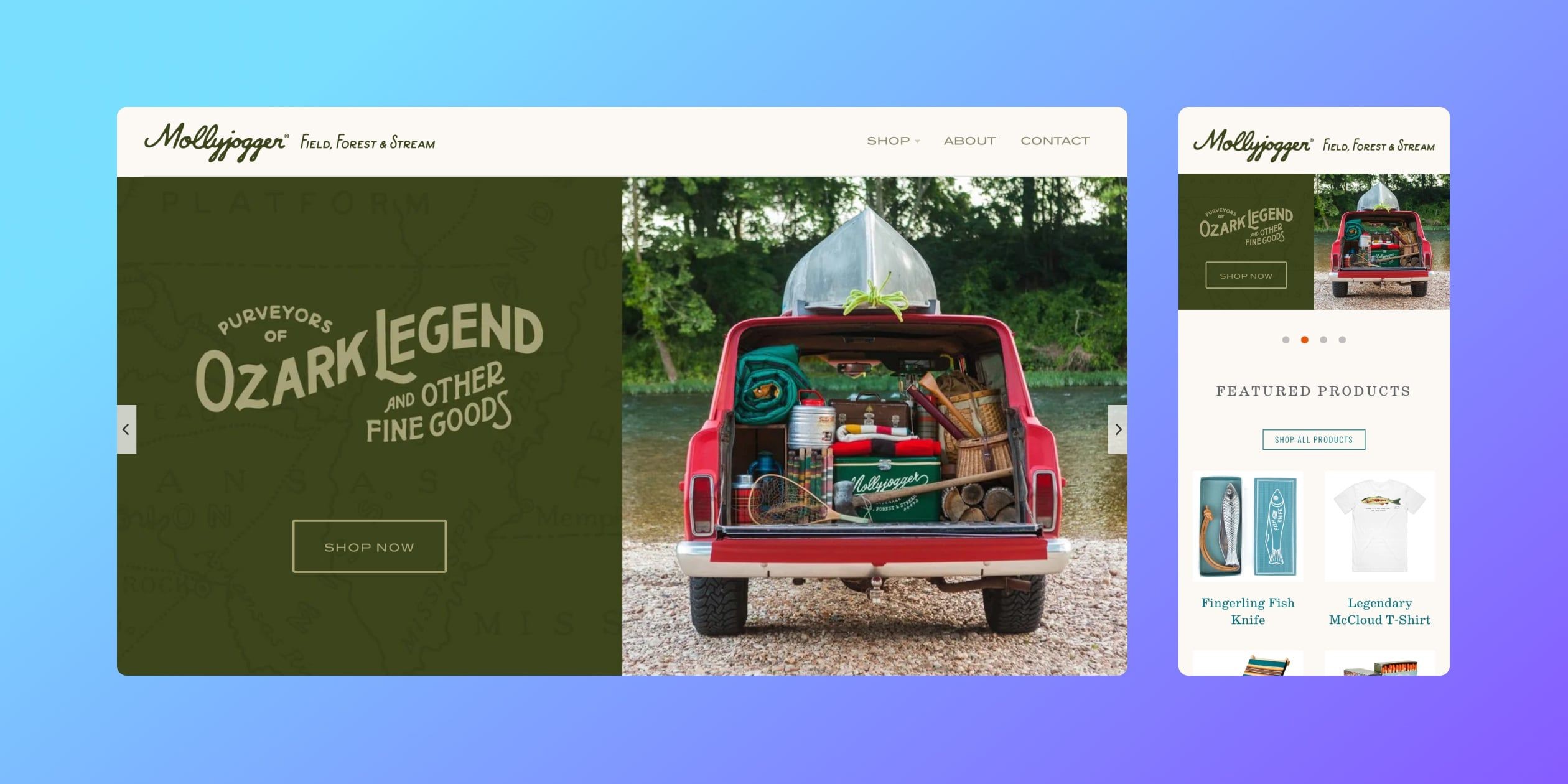
1. Define the job your store must do
A new brand may need the store to build trust, explain unfamiliar products and capture its first repeat buyers. An established retailer may need to connect existing inventory and membership data, offer pickup or serve a new market. These are different briefs. Set one primary commercial outcome and a few measures, such as qualified traffic, completed orders, repeat purchase and the time needed to fulfil an order.
List the pages, content and integrations that serve that outcome. New brands often need original product photography, detailed descriptions, clear shipping and returns policies and a visible contact route. Established businesses may instead prioritize inventory accuracy and consistent promotions across channels. Avoid making every page a campaign; help customers find and assess products first.
Different starting points lead to different briefs
New and established brands face different launch decisions. A new brand often needs original product photography, a clear explanation of why the product exists, founder or maker credibility and reassuring delivery/returns information before asking a stranger to pay. An established retailer may already have trust, but must decide how its online range relates to shops, distributors and other channels. If every channel promotes the same item at a different price, the website can create conflict rather than useful new demand.
Before design begins, write one page with the target customer, the job the store must do, products launching first and the measures of success. A reasonable first measure may be qualified enquiries or first orders rather than a generic traffic target. This brief should determine the homepage, collection structure and launch content. Show it to the photographer, copywriter, merchandising lead and developer so that each works toward the same outcome.
2. Choose a single-brand or multi-brand structure
A single brand can usually maintain a consistent visual system across the theme, packaging, emails and customer service. A multi-brand retailer needs stronger navigation, product attributes, filtering, brand landing pages and rules for shared promotions. Decide whether the customer is buying from your retailer identity or from each represented brand.
Prepare a short brand brief with logo files, colours, type, image style, tone of voice and content examples. Test a theme with the actual mix of products and brand names. Shopify themes can be configured and extended, but a theme change or custom development needs maintenance and accessibility checks. No theme design guarantees better conversion, and the style of a theme is not a reason to assume it suits a Hong Kong audience.
A multi-brand shop still needs one clear identity
Decide whether customers are buying an individual brand, a curated group of independent labels or a generic assortment. If the merchant itself is the trusted curator, explain how brands are chosen and make brand, product type, use case and price easy to browse. If each label has a strong identity, give it a coherent landing page while retaining common delivery, returns and customer-support rules. Avoid assuming that a single-brand structure is always better.
Turn brand guidelines into implementable decisions: logo spacing, accessible text colours, typography, image crops, product-card hierarchy and the voice of customer emails. Test them with actual long product names, bilingual descriptions and mobile screens. A polished homepage is not enough if collection cards, search results and checkout messages feel like a different brand.
3. Assign an operational owner and budget
A store launch needs someone who can approve copy, product details, shipping rules, payment applications and customer policies. That person should remain the owner after launch, even if an agency builds the site. Allocate responsibility for inventory, fulfilment, refunds, customer questions, marketing and analytics. A shared spreadsheet with owners and acceptance dates can prevent a visually finished site from launching with missing settings.
Budget beyond the monthly platform fee: payment processing, domain, paid theme, apps, photography, translations, fulfilment, support and ongoing improvements. Give staff the minimum access they need and protect owner accounts with two-step authentication. Rehearse common tasks such as adding a product, issuing a refund and changing a delivery address before the first campaign.
The project contact remains important after launch
Even a good agency cannot replace a client-side owner. Assign one person who can gather product data, settle conflicting feedback, approve designs, review policy text and make timely decisions on payment and delivery. Give that person access to the decision-makers, a launch calendar and authority to resolve day-to-day issues. Without it, attractive design work can wait weeks for a missing price list, image or legal approval.
After launch, that owner should supervise stock, promotions, returns, customer questions, app subscriptions and small content changes. List which tasks are internal and which are covered by an agency or vendor support contract, including response times and emergency escalation. Budget for recurring photography, translations, software fees and testing—not only the initial site build. Have a second trained staff member so the store does not depend on one employee.
4. Check Hong Kong payment eligibility and fees
Shopify Payments supports eligible online merchants in Hong Kong SAR. Shopify lists cards and accelerated checkouts such as Apple Pay, Google Pay and Shop Pay. Alipay and WeChat Pay are available through Shopify Payments in early access; eligible merchants must request activation and pass review, so neither method is guaranteed for every store. They support one-time online orders, not subscriptions or gift-card purchases. For card-present card processing in Hong Kong POS, use an external card terminal and third-party processor. Eligible stores can separately activate Alipay or WeChat Pay as Shopify POS local payment methods for HKD transactions: customers scan a QR code, subject to Shopify Payments activation, business-category and other eligibility conditions. These local-method transactions use online (non-card-present) rates. Check business verification, supported categories, bank details and payouts for your own entity.
If customers expect PayMe, FPS, Octopus or another method, verify the specific provider and current integration in the store admin. Compare the provider fee and any Shopify third-party transaction fee; Shopify states these can apply even when Shopify Payments is activated, with stated exceptions such as PayPal when Shopify Payments is primary. Confirm any fee waiver, fixed rate or agency-specific payment claim in the current written contract.
Map a payment to the customer and the settlement account
Ask which cards and local wallets customers expect, then check current provider eligibility and contract terms. For a Hong Kong store, verify the legal entity, business category, bank account, payout currency and products against Shopify Payments requirements. Then list the actual buyer groups: Hong Kong cardholders, local wallet users and overseas buyers may see different methods. A payment logo shown in an agency slide is not proof the method can be activated for this merchant.
Shopify now lists Alipay and WeChat Pay within Shopify Payments for eligible Hong Kong merchants, each in early access. Check the Payments admin for this particular store; activation may require review, and one-time order, gift-card, subscription and device restrictions differ. Distinguish those products from AlipayHK and WeChat Pay HK branding or old consumption-voucher acceptance. For each route, place a test order and refund, inspect the buyer currency and merchant payout, and compare processing plus any third-party transaction fee.
5. Plan languages, currency and market experiences
Traditional Chinese and English often matter in Hong Kong, but decide based on your customers and service capacity. Shopify can publish multiple languages from a single store. Use Translate & Adapt, CSV or a compatible app, and review product claims, policies, delivery terms and automated emails manually. A language selector and locale URLs should be tested end to end; untranslated text falls back to the primary language.
For cross-border trade, Shopify Markets can control audience, language, currency and pricing. Processing payments in more than one currency requires Shopify Payments or Adyen, and each destination needs active shipping rates. Do not build a separate store merely to add one language. Calculate duties, tax, exchange effects and return costs before launching a new market.
Translate the work, not just the navigation
Traditional Chinese, Simplified Chinese and English are common language needs for Hong Kong merchants. Decide which customer group each language serves. Translate product descriptions, size and care guidance, search terms, policies, delivery messages, order emails and help content—not only the menu. Name an owner for each language, because a temporary promotion or updated return period can become contradictory if only the homepage is changed.
Currency is a separate decision. A visitor may see a converted price while the order is processed or paid out under different rules. Test what the checkout actually charges, whether duties and shipping are included, and what the confirmation email says. If products differ by market, check catalogue and inventory visibility as well. Start with the markets the team can actually fulfil and support; add others only after real order and refund tests.
6. Design checkout and fulfilment together
Shopify hosts a secure checkout, but the operational choices around it are yours. Keep shipping rates, delivery dates, pickup rules and contact details consistent between product pages, cart and checkout. If a gift note or delivery instruction is essential, identify a supported cart or checkout method and test it on the merchant’s plan. Advanced checkout app extension areas have plan requirements; do not assume every field can be added on every plan.
Shopify currently supports up to three option types and 2,048 variants per product. The former 100-variant limit no longer applies. Theme and app compatibility still need testing above 100 variants. Establish a repeatable picking, packing, label, tracking and return process. Local couriers or a third-party logistics provider may connect through an app or integration, but coverage and fees should be confirmed in a test order.
Capture the information needed to deliver correctly
Connect checkout fields, order management and fulfilment. For example, a gift order, perishable item or building with special access instructions may need different information. Collect only what is necessary at the supported stage, and make the instructions visible to the fulfilment team. Do not assume every desired field can be inserted anywhere in checkout; test the exact plan and extension approach before promising it.
Map order flow from paid status to picking, packing, carrier label, tracking notification, failed delivery and return. For low volume, manual label creation may be sufficient; as volume grows, compare integration with the carrier, warehouse or third-party logistics provider. Confirm cut-off times, cold-chain needs, pickup locations and the owner of stock adjustments. Test a partial fulfilment and refund, not only a perfect one-item order.
7. Make customer service part of the storefront
Show a real contact method, service hours and clear policies. In Hong Kong, customers may ask through chat, email or social messaging, so decide who owns each channel and what response time is realistic. Shopify Inbox can provide storefront chat; verify any connection to other messaging services in your installed setup before advertising it.
Prepare answers for fit, availability, delivery exceptions, exchanges and refunds. Watch the first weeks of support tickets and abandoned checkouts to find unclear product copy or broken shipping rules. Better service is a process, not a widget: staff need order context, a way to escalate issues and authority to resolve straightforward cases. Review these seven choices again as your assortment, countries and order volume change.
Turn chat into a service process
Hong Kong shoppers often want a quick answer through live chat, WhatsApp or Messenger. The channel itself matters less than whether someone replies accurately. Publish service hours and expected response time, provide a route to a person, and keep answers to delivery, sizing, warranty and returns aligned with the website policies. If a chatbot is used, it must not invent stock availability or promise an exception staff cannot honour.
Review the first hundred customer questions after launch. Group them by missing product information, delivery uncertainty, payment friction and after-sales issues. Fix the page or process that caused a repeated question, then measure whether contacts and returns change. This keeps customer service in the design brief rather than adding a chat widget after the store is live.
Sources
- Shopify Payments for Hong Kong SARChecked
- Hong Kong payment methodsChecked
- Third-party payment providersChecked
- Localization and translationChecked
- Markets requirementsChecked
- Adding variantsChecked
- Checkout customizationChecked
- Alipay with Shopify Payments: eligibility and early accessChecked
- WeChat Pay with Shopify Payments: eligibility and early accessChecked
- Shopify Help Center: Accepting local payments with Shopify POSChecked